

Log In / Sign Up
Power Up with SuprimX — Your Shortcut to Victory!
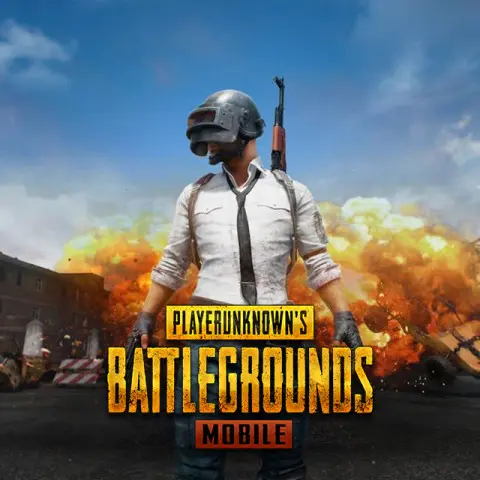
PUBG Mobile (Global) Cover

PUBG Mobile (Global)

  • Global
  • Instant Delivery
This top-up service is not valid for China, Japan, Korea, Taiwan, and Vietnam servers.
Select Denomination
PUBG Mobile (Global)
60 UC
RM 3.79
RM 4.34
PUBG Mobile (Global)
325 UC
RM 18.99
RM 21.17
PUBG Mobile (Global)
660 UC
RM 37.98
RM 42.32
PUBG Mobile (Global)
1800 UC
RM 94.95
RM 105.58
PUBG Mobile (Global)
3850 UC
RM 189.89
RM 211.09
PUBG Mobile (Global)
8100 UC
RM 379.79
RM 422.13
Top-Up Account
Character ID
Order Summary
Denomination
60 UC
Total
RM 3.79
Description

About PUBG Mobile (Global)

PUBG Mobile is a battle royale shooter where players land on a map, collect equipment and compete as the playable area contracts. Solo, duo and squad modes reward survival, positioning and coordinated combat.

Different maps, weapons, vehicles, ranked seasons and limited-time modes keep matches varied, while cosmetic and pass content lets players personalise their account.

What Can You Use PUBG Mobile UC For?

Unknown Cash, or UC, is PUBG Mobile’s paid currency for eligible in-game purchases:

  • Royale Pass — Unlock eligible paid pass content and seasonal rewards.
  • Outfits and weapon finishes — Purchase eligible cosmetic items shown in the game.
  • Crates, spins and offers — Take part in eligible store offers or events where UC is accepted.
Guidance

How to Find Your PUBG Mobile Player ID

  1. Open your profile — Launch PUBG Mobile and tap your avatar or profile icon.
  2. Locate the Player ID — Copy the numeric ID shown on the profile page.
  3. Check the account — Confirm the nickname belongs to the player you intend to top up.

How to Top Up PUBG Mobile UC on SuprimX

  1. Select the product — Choose the UC denomination shown on this page.
  2. Enter the account details — Provide the receiving account’s Player ID exactly as displayed.
  3. Review and pay — Confirm the account details, selected option and total, then complete checkout.
  4. Verify the result — Once the order is completed, reopen or refresh the game and check the UC or purchased item on the receiving account.

Frequently Asked Questions

Do I need to provide my PUBG Mobile (Global) password?

No. This direct top-up uses the Player ID shown at checkout. Never provide your game password or sign-in verification code.

How long does a PUBG Mobile (Global) top-up take?

We offer Instant Delivery after payment confirmation. Your UC is sent to the account details on the order. Peak demand, game maintenance or technical issues may cause a delay.

What if I enter the wrong Player ID?

Contact SuprimX through Live Chat immediately with the order number and the details entered. We can check the order status, but cannot promise to stop or redirect a top-up already completed to another valid account.

What should I do if my PUBG Mobile UC does not appear?

Confirm the order is completed, then reopen the game and check the same account used for the order. If the UC is still missing, contact SuprimX through Live Chat with the order number and a screenshot of the account balance or relevant page.

Will I receive a PUBG Mobile UC code for this product?

No. This product is a direct top-up to the Player ID entered at checkout. Choose the separate PUBG Mobile UC Redeem Code (Global) product if you need a code instead.